VISUAL EDITOR
Best-in-class
documentation editing tools
GitBook’s editor is instantly intuitive, AI-native, and fits perfectly into your existing docs workflows

FEATURES
Fast, flexible…
and instantly familiar
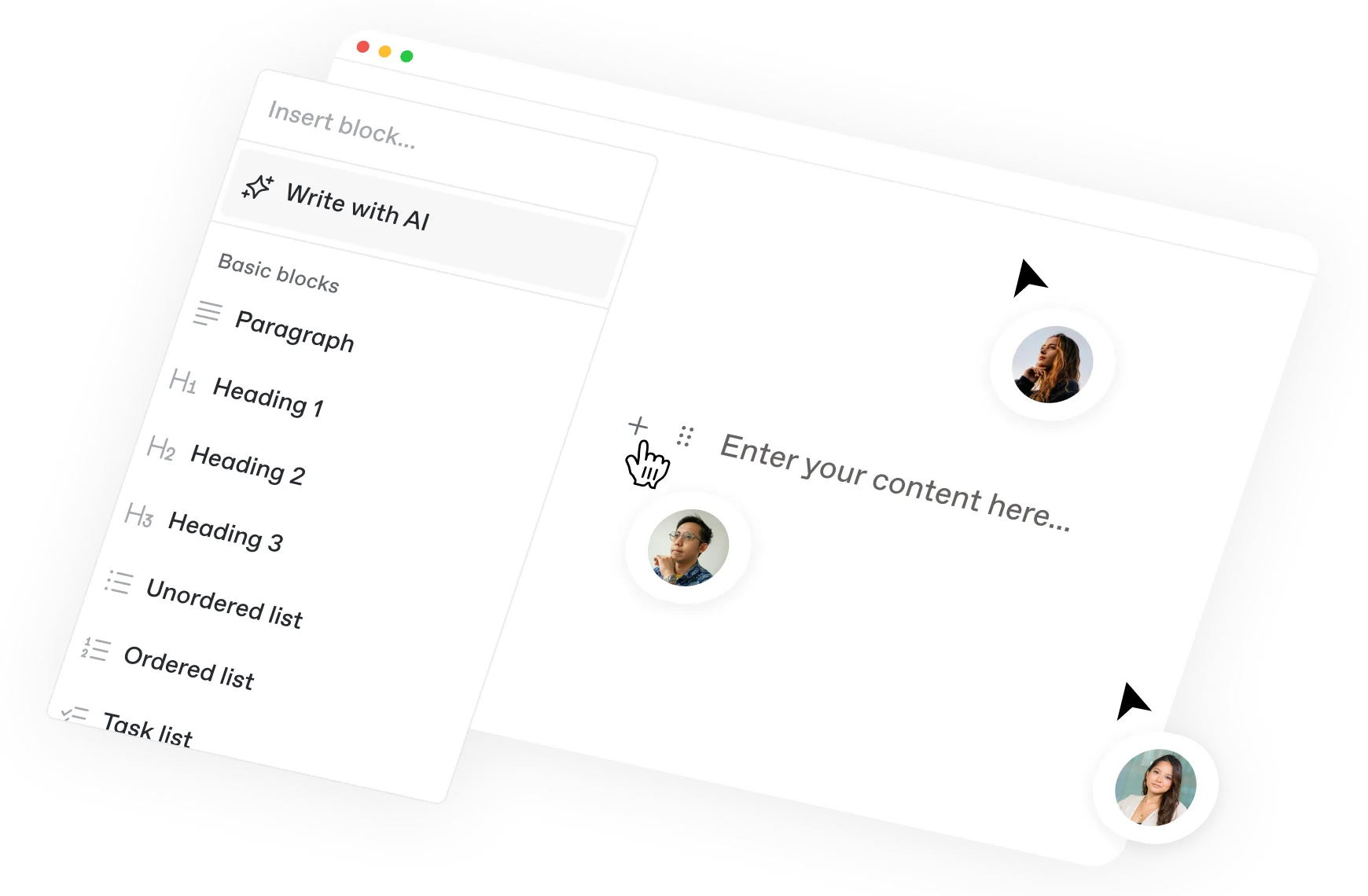
Why force your team to learn new tools? GitBook interface is so intuitive they can just focus on writing great docs.

“Everyone is using the editor, it’s just a way faster experience to do things. Engineers are using that as well just because it’s faster, and you can ensure that it looks good for the customer.”
Roman Musatkin
,
Head of Product & Design
Swarmia

“Everyone is using the editor, it’s just a way faster experience to do things. Engineers are using that as well just because it’s faster, and you can ensure that it looks good for the customer.”
Roman Musatkin
,
Head of Product & Design
Swarmia


Git Sync
Work the way that works for you
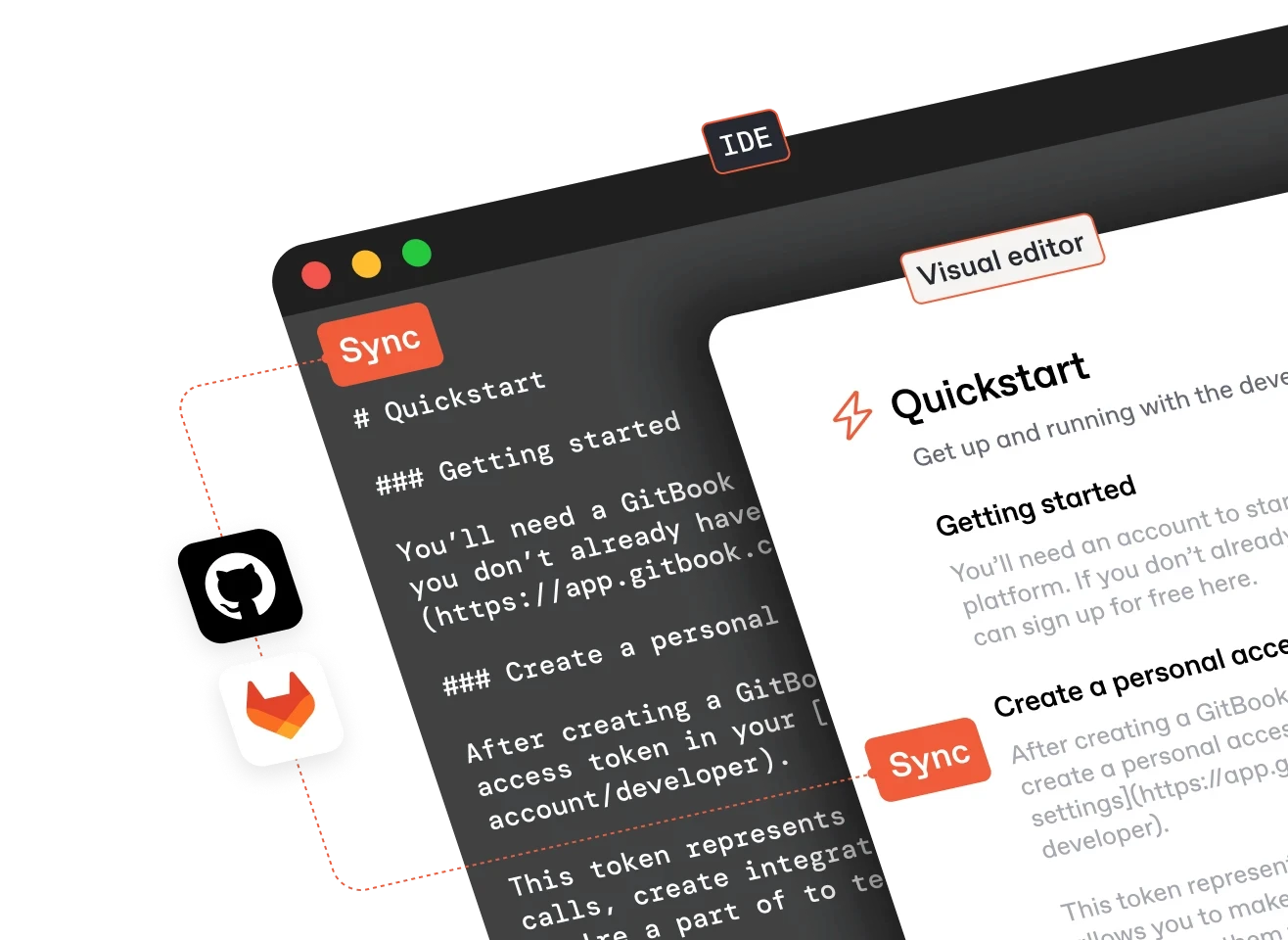
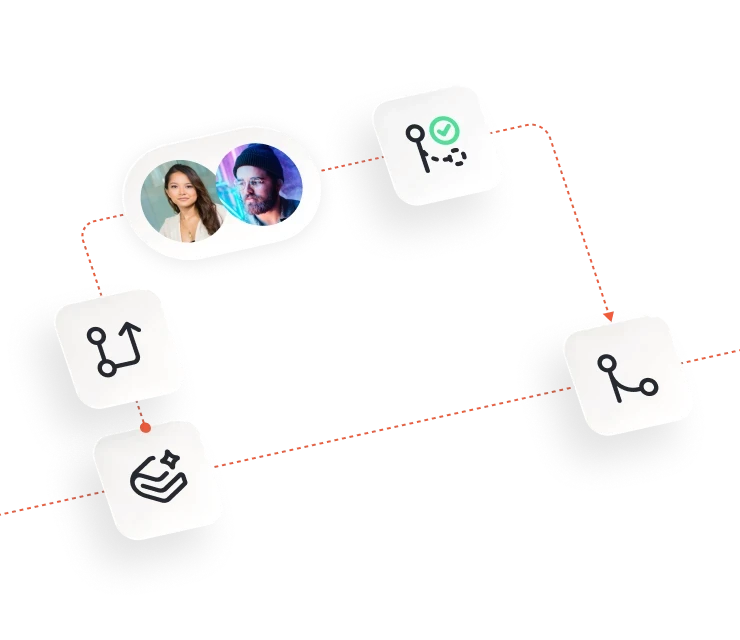
Sync your GitBook content with GitHub or GitLab and collaborate with your entire team — whether they prefer to work in GitBook’s editor or their code editor. Now, every edit is seamlessly synced.


Git Sync
Work the way that works for you
Sync your GitBook content with GitHub or GitLab and collaborate with your entire team — whether they prefer to work in GitBook’s editor or their code editor. Now, every edit is seamlessly synced.
“In GitBook, the process of finding the documentation, making a change, and submitting a change request is so simple.”
Catherine Carney
,
Senior Manager of Product Operations
Immuta
“In GitBook, the process of finding the documentation, making a change, and submitting a change request is so simple.”
Catherine Carney
,
Senior Manager of Product Operations
Immuta


Integrations
Integrate with your tech stack
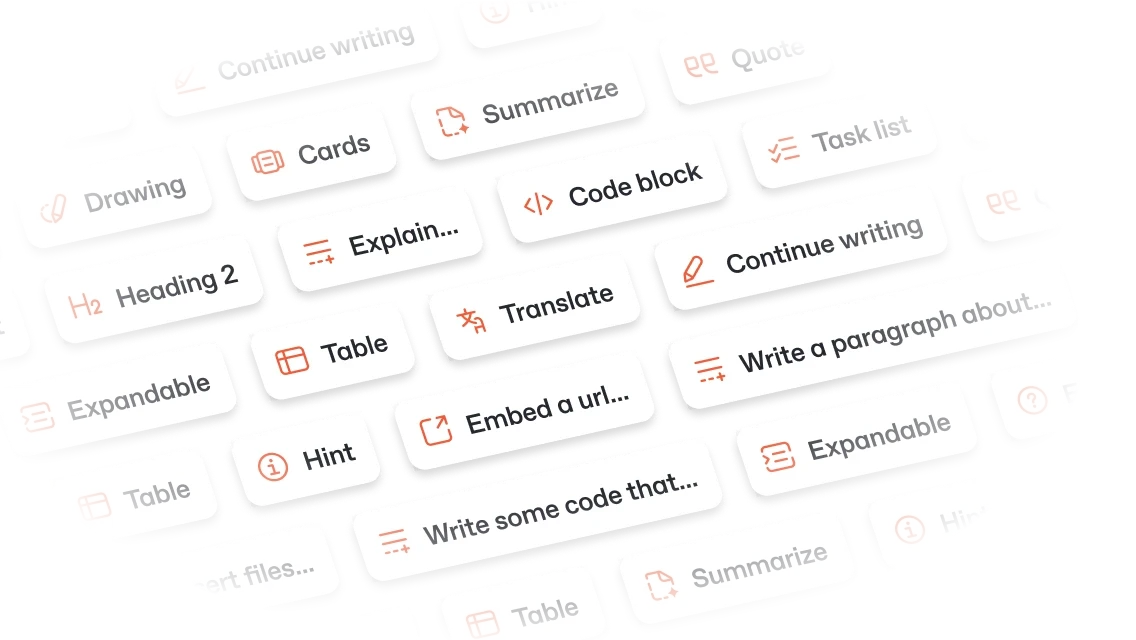
Your documentation platform should work with the tools you already use. Install integrations to add interactive content to your docs, track analytics, and more.


Integrations
Integrate with your tech stack
Your documentation platform should work with the tools you already use. Install integrations to add interactive content to your docs, track analytics, and more.


Integrations
Integrate with your tech stack
Your documentation platform should work with the tools you already use. Install integrations to add interactive content to your docs, track analytics, and more.


Integrations
Integrate with your tech stack
Your documentation platform should work with the tools you already use. Install integrations to add interactive content to your docs, track analytics, and more.
collaboration tools
Tools that go beyond
just writing
Introduce a docs workflow that supports your team at every step — with collaboration at its core
Accurate docs. Better answers.
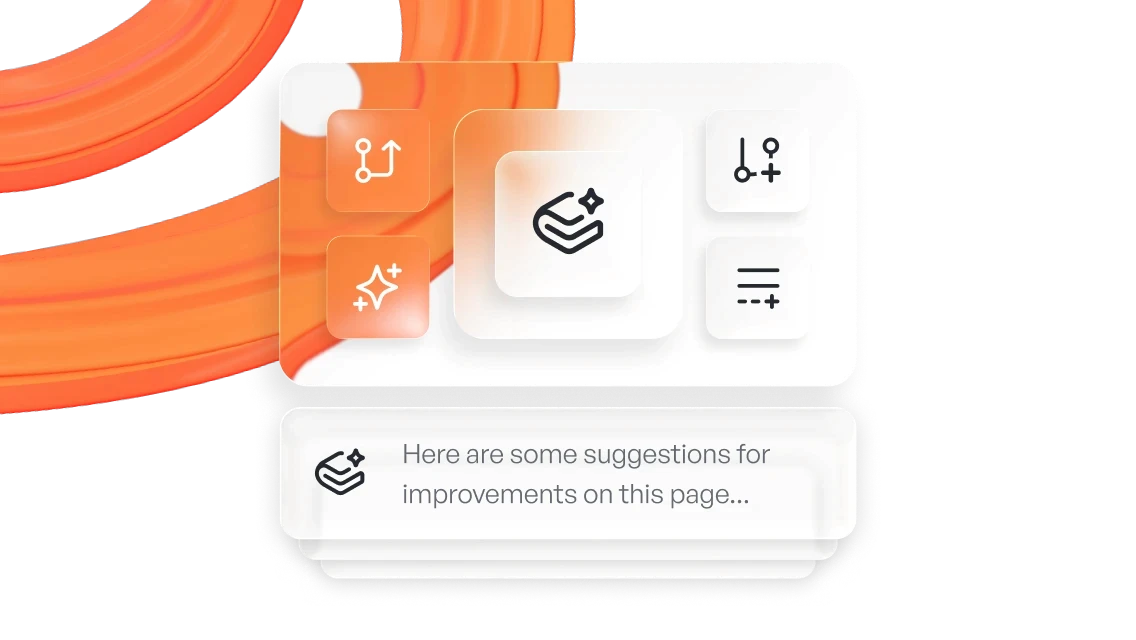
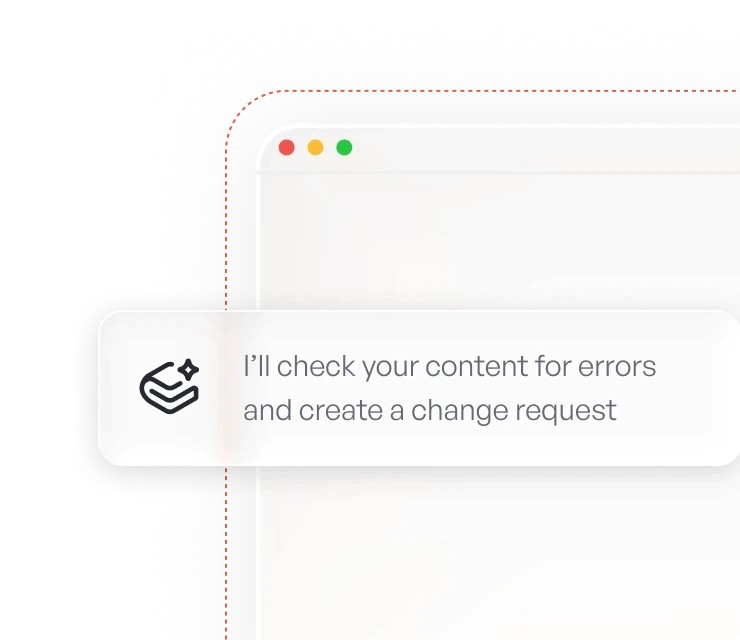
Your docs are already feeding AI. Are users getting the right answers or the wrong ones?
Accurate docs. Better answers.
Your docs are already feeding AI. Are users getting the right answers or the wrong ones?
Accurate docs. Better answers.
Your docs are already feeding AI. Are users getting the right answers or the wrong ones?
Accurate docs. Better answers.
Your docs are already feeding AI. Are users getting the right answers or the wrong ones?
Product
Create & Publish
Solutions
Resources
© 2026 Copyright GitBook INC.
440 N Barranca Ave #7171, Covina, CA 91723, USA. EIN: 320502699
Get an AI summary

The State of Docs Report 2026
State of Docs brings together insights from documentation experts from across the industry

Product
Create & Publish
Solutions
Resources
© 2026 Copyright GitBook INC.
440 N Barranca Ave #7171, Covina, CA 91723, USA. EIN: 320502699
Get an AI summary
The State of Docs Report 2026
State of Docs brings together insights from documentation experts from across the industry

Product
Create & Publish
Solutions
Resources
© 2026 Copyright GitBook INC.
440 N Barranca Ave #7171, Covina, CA 91723, USA. EIN: 320502699
Get an AI summary
The State of Docs Report 2026
State of Docs brings together insights from documentation experts from across the industry