Authenticated access
Protect private documentation with authenticated access, so only approved customers, partners, or team members can view your content





Authenticated documentation. Simplified.
Edit content using GitBook’s block-based WYSIWYG editor with Markdown support.
How authenticated access works
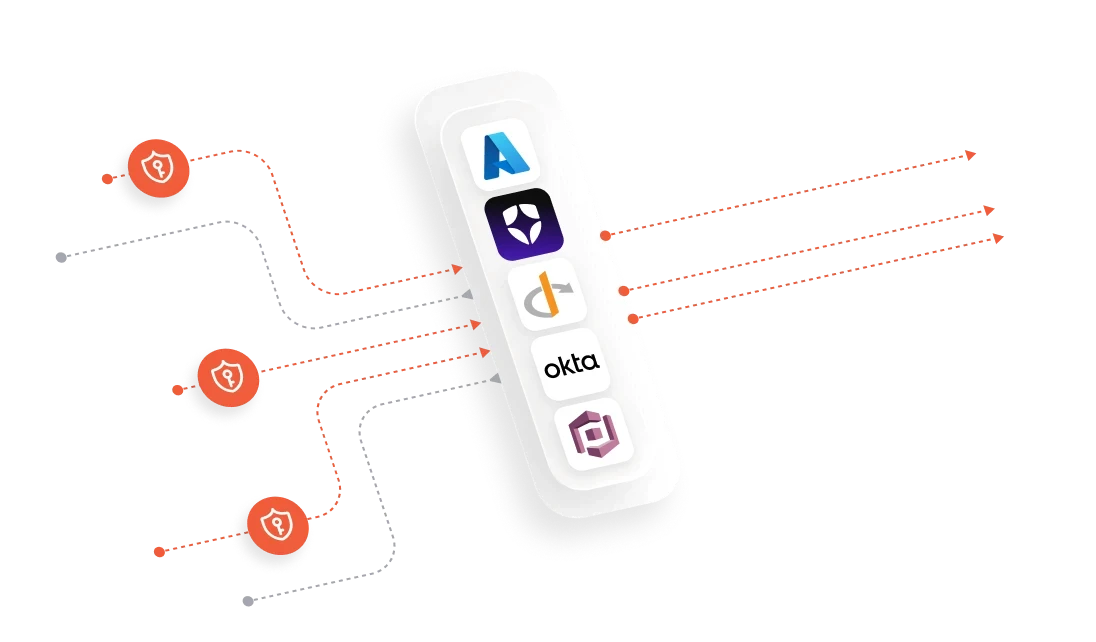
Connect your identity provider, define who gets access, and keep private product knowledge protected behind a secure sign-in
01
Enable authenticated access for your GitBook site and choose what to protect
02
Connect to your authentication provider with an integration or custom back-end
03
Your authentication provider determines who is allowed to access your site
04
Optionally pass user data into GitBook to offer personalized content based on who signs in



FAQs
What is authenticated documentation

What authentication providers does GitBook support?
How do I set up a custom authentication backend?
Can I show different content to different users?
Who will be able to view my docs after setup?
Can GitBook be used for private internal documentation?
Which plan is required for authenticated access?




