PUBLIC DOCS
Don’t build a docs platform.
Just create great docs
Don’t build a docs platform. Just create great docs
You
Create, collaborate, and publish public docs on a platform built to keep your product knowledge accurate, AI-ready, and easy for users to find. Used by 150,000 startups, enterprises, and open-source projects.
Fast, intelligent docs out of the box
Fast, intelligent docs
out of the box



“We heard that our docs site outranked a competitor. It shows that it is working — the processes we’re putting in place and GitBook’s hosting of our site.”
Gareth Brinn
,
Documentation Manager
Gravitee
“We heard that our docs site outranked a competitor. It shows that it is working — the processes we’re putting in place and GitBook’s hosting of our site.”
Gareth Brinn
,
Documentation Manager
Gravitee


GitBook Assistant
A personal product expert for your users
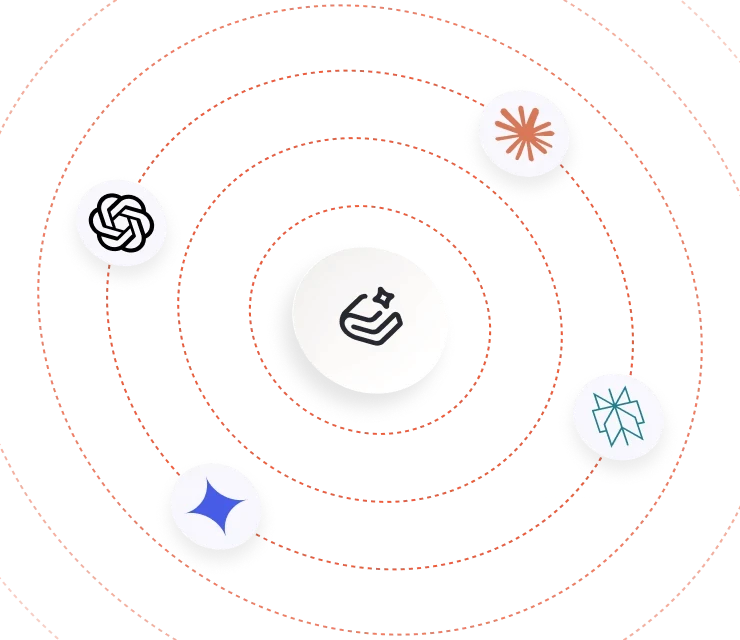
Let users ask questions instead of searching through pages. GitBook Assistant gives them contextual answers grounded in your docs and connected product knowledge.
GitBook Assistant
A personal product expert for your users
Let users ask questions instead of searching through pages. GitBook Assistant gives them contextual answers grounded in your docs and connected product knowledge.
One workflow.
Many ways of working.
Bring Git workflows to your docs
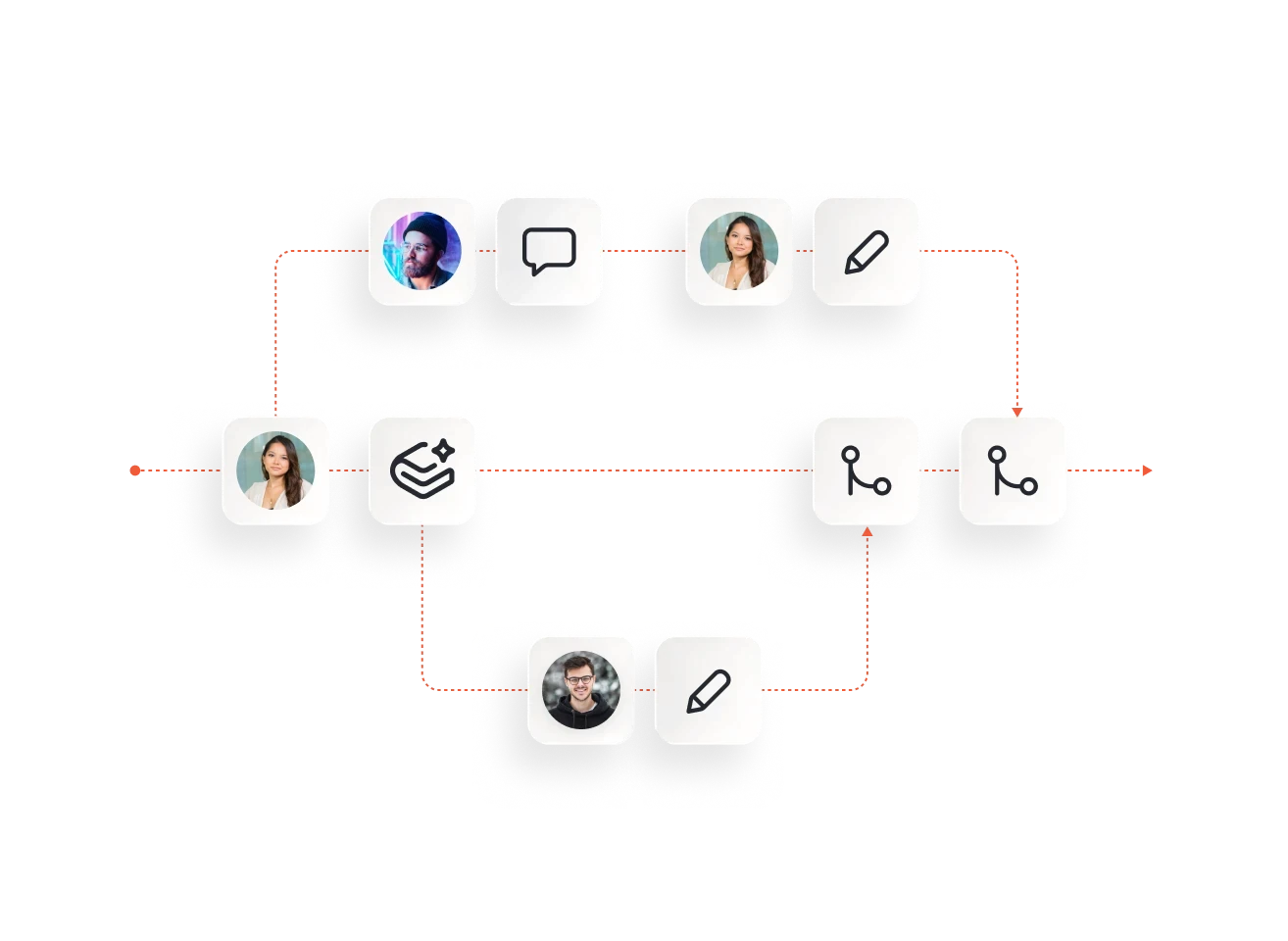
Work in branches, request reviews, and merge changes when they’re ready — giving developers, writers, and subject-matter experts a workflow that keeps quality high.
A modern Markdown editor
AI-assisted writing and reviews

Bring Git workflows to your docs
Work in branches, request reviews, and merge changes when they’re ready — giving developers, writers, and subject-matter experts a workflow that keeps quality high.
A modern Markdown editor
Write technical content in a visual editor with full Markdown support, code blocks, tables, tabs, media, and more — without sacrificing the workflows developers already know.
AI-assisted writing and reviews
Let GitBook Agent handle the first draft. Or use it as a built-in docs linter, checking your content is error-free and matches your style guide before you publish.
Bring Git workflows to your docs
Work in branches, request reviews, and merge changes when they’re ready — giving developers, writers, and subject-matter experts a workflow that keeps quality high.
A modern Markdown editor
AI-assisted writing and reviews
Bring Git workflows to your docs
Work in branches, request reviews, and merge changes when they’re ready — giving developers, writers, and subject-matter experts a workflow that keeps quality high.
A modern Markdown editor
AI-assisted writing and reviews


“The GitBook design looks good out of the box, with many options to customize it further. A consistent experience across the product is key, and we enjoyed being able to make our docs on-brand.”
Ron Cohen
,
CTO & co-founder
Reflag
“The GitBook design looks good out of the box, with many options to customize it further. A consistent experience across the product is key, and we enjoyed being able to make our docs on-brand.”
Ron Cohen
,
CTO & co-founder
Reflag
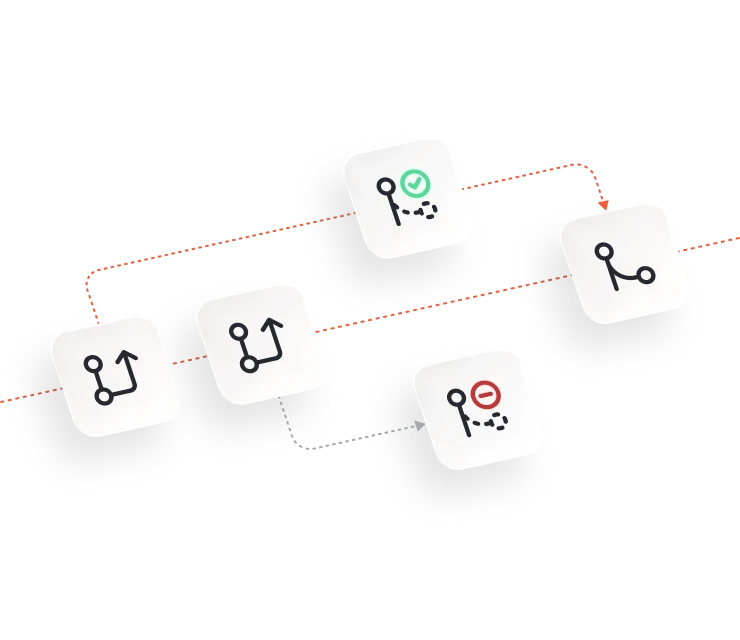
Automate everything
FAQs
What are public docs?

What should a public documentation platform include?
Can GitBook be used for developer documentation?
Does GitBook optimize public docs for AI?
Can users ask questions instead of searching through GitBook docs?
Accurate docs. Better answers.
Your docs are already feeding AI. Are users getting the right answers or the wrong ones?
Accurate docs. Better answers.
Your docs are already feeding AI. Are users getting the right answers or the wrong ones?
Accurate docs. Better answers.
Your docs are already feeding AI. Are users getting the right answers or the wrong ones?
Accurate docs. Better answers.
Your docs are already feeding AI. Are users getting the right answers or the wrong ones?
Product
Create & Publish
Solutions
Resources

© 2026 Copyright GitBook INC.
440 N Barranca Ave #7171, Covina, CA 91723, USA. EIN: 320502699
Get an AI summary




The State of Docs Report 2026
State of Docs brings together insights from documentation experts from across the industry
Product
Create & Publish
Solutions
Resources
© 2026 Copyright GitBook INC.
440 N Barranca Ave #7171, Covina, CA 91723, USA. EIN: 320502699
Get an AI summary
The State of Docs Report 2026
State of Docs brings together insights from documentation experts from across the industry

Product
Create & Publish
Solutions
Resources
© 2026 Copyright GitBook INC.
440 N Barranca Ave #7171, Covina, CA 91723, USA. EIN: 320502699
Get an AI summary
The State of Docs Report 2026
State of Docs brings together insights from documentation experts from across the industry