Ai docs
A product expert for every user.
A writing partner for your team.
Create and maintain accurate product knowledge with GitBook Agent. Then turn it into contextual, embedded answers and experiences with GitBook Assistant.

Tools
Keep knowledge accurate. Wherever AI uses it.
GitBook connects the full knowledge lifecycle: Agent helps teams find and fix gaps, GitBook optimizes content for AI ingestion, and Assistant turns that trusted knowledge into contextual answers for users
1. Improve
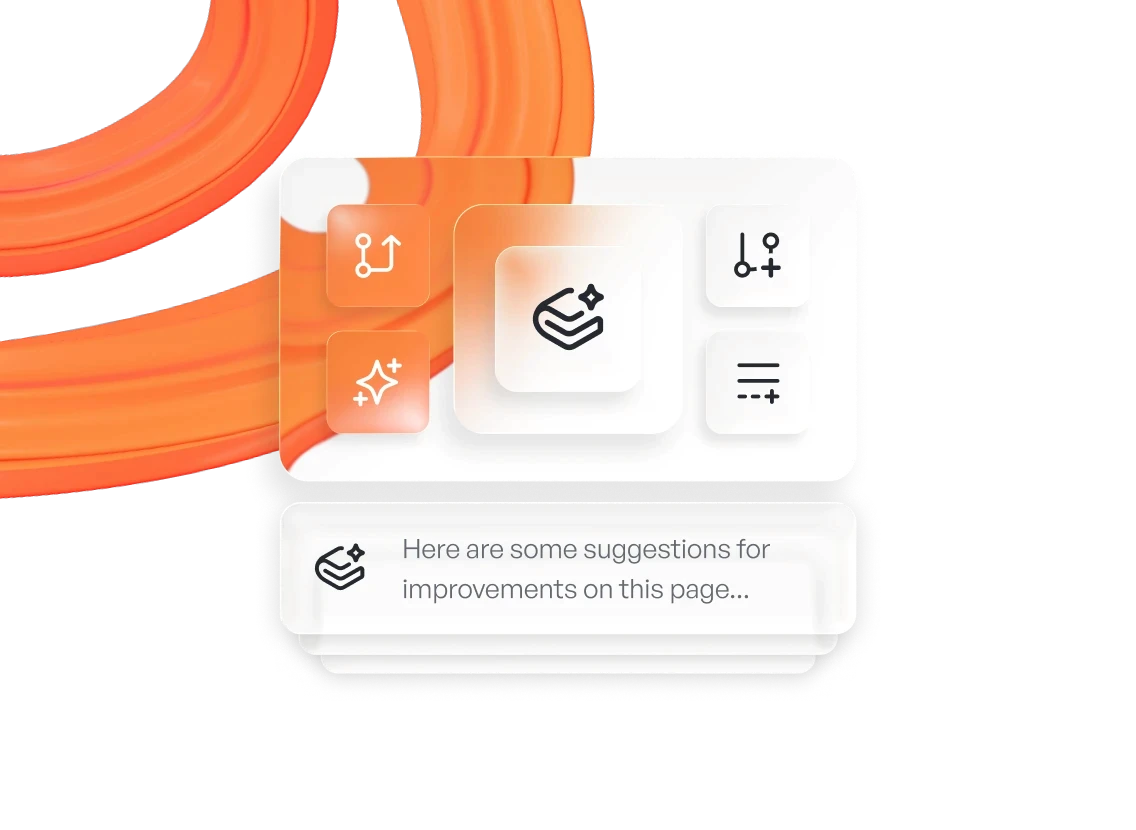
Agent identifies missing or outdated knowledge and proposes changes
2. connect
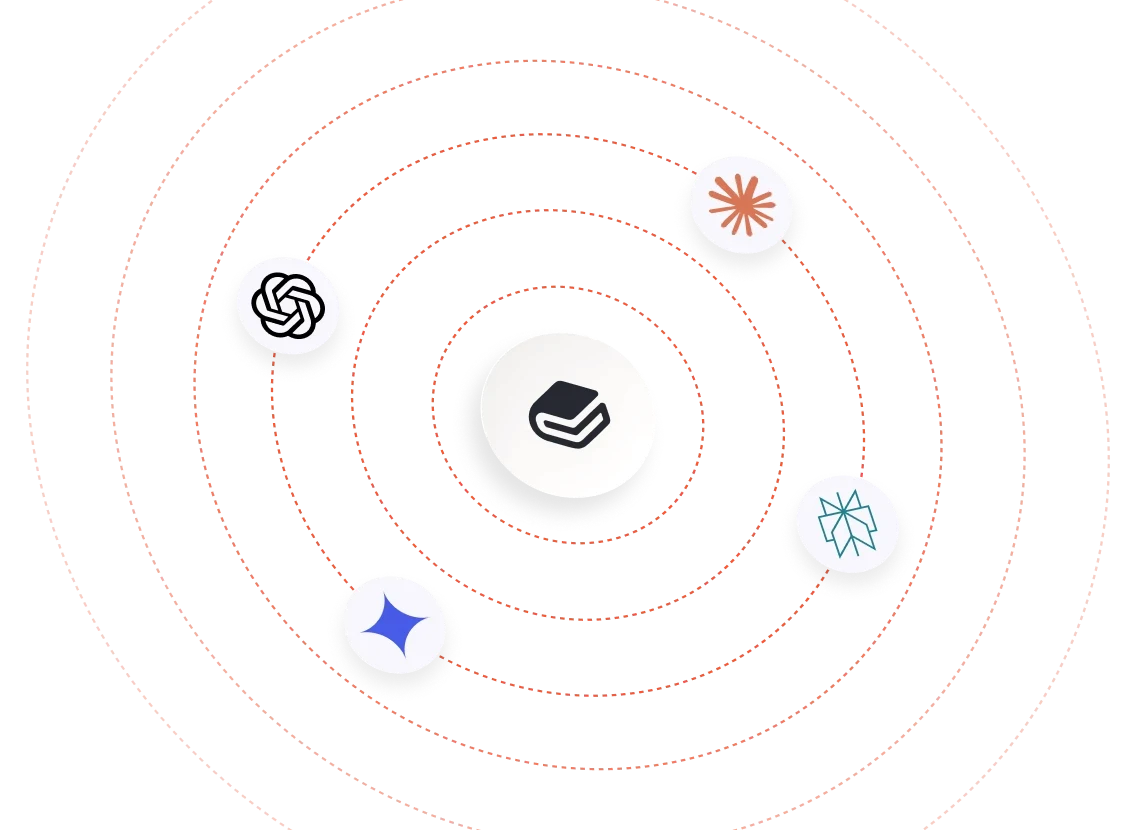
GitBook’s AI-ready formats & MCP make that knowledge accessible
3. Answer
Assistant uses it to give users contextual, personalized answers.
Privacy built in
FAQs
What AI features does GitBook offer?
GitBook combines AI tools for both content teams and users.
GitBook Agent helps teams create, review, and maintain product knowledge, while GitBook Assistant gives users contextual answers based on that knowledge. GitBook also makes published content easier for external AI tools and coding agents to access through formats and connections such as Markdown, llms.txt, and MCP.
How does GitBook use AI to keep documentation up to date?
GitBook Agent can identify missing or outdated content, learn from product and user signals, draft targeted changes, and review updates before publication. This helps teams maintain more accurate source knowledge as their product evolves.
How does GitBook Assistant answer user questions?
GitBook Assistant retrieves relevant information from your GitBook content and connected knowledge sources, while also considering context such as the current page, conversation history, and user data you choose to provide. It uses that context to generate more relevant, personalized answers.
How does GitBook make content available to AI tools and agents?
GitBook automatically provides AI-friendly versions of published content, including Markdown, llms.txt, and MCP access. This gives compatible AI tools and coding agents structured ways to retrieve product knowledge directly from GitBook.
How does GitBook handle data used by AI features?
GitBook uses OpenAI’s enterprise API to power AI features, and OpenAI does not use customer data processed through that API to train, improve, or fine-tune its models.
GitBook applies its existing security and privacy standards to AI processing and gives customers controls to disable AI features when needed. For details about data flows and retention, see the GitBook AI Policy.
Does GitBook use my content or data to train AI models?
No. GitBook does not use customer content to train AI or machine-learning models without prior written consent. OpenAI also does not train, improve, or fine-tune its models with customer data processed through GitBook’s enterprise API.
Read GitBook’s AI policy to find out more.
Can I disable GitBook’s AI features?
Yes. Organization admins can disable GitBook AI for their organization, and site owners can independently control AI Search and GitBook Assistant for individual published sites. When AI features are disabled for a site, GitBook does not send that site’s content to AI providers.
Publicly published pages can still be indexed by search engines and AI systems like any other website, unless indexing is disabled for that page.
How much do GitBook’s AI features cost?
— Docs Assistant is included on any Ultimate site*.
— GitBook Agents are available on the Pro and Enterprise plans*.
— AI writing and editing tools are available on the Pro and Enterprise plans.
— Pricing for AI translations is yet to be confirmed, please watch this space!
*price based on usage