# Comments
Comments allow you to have as much (or as little) conversation as you like around specific pieces of content — without switching out of context from GitBook.
## Comment within your content
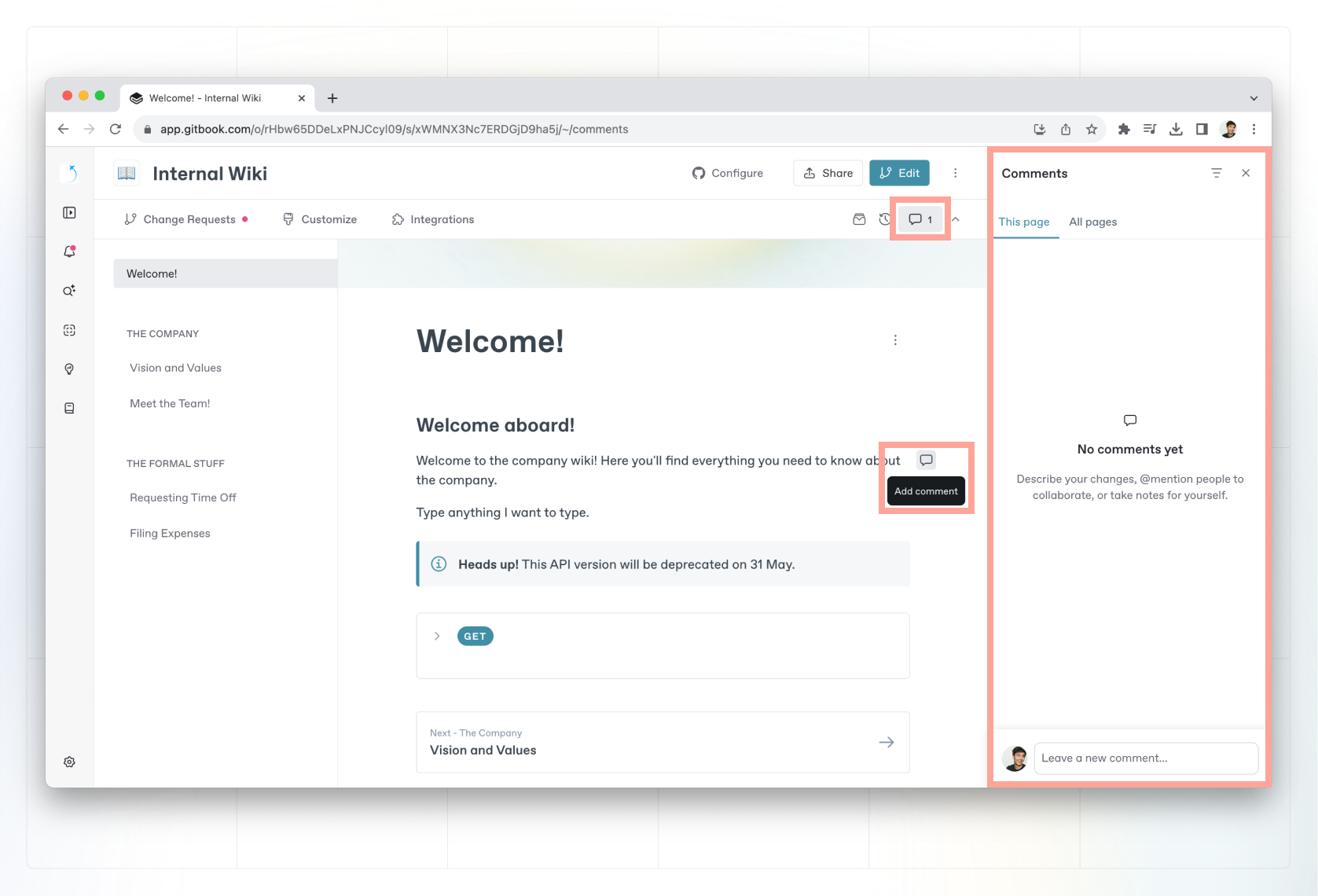
You can comment on any block within your content. The comment will be displayed in a right hand panel which you can open by clicking on the comment icon in the sub-navigation.
Add a comment in GitBook.
### Comment threads
Any top-level comment in GitBook can be replied to, turning it into a discussion thread.
### Reacting to comments
You can also leave an emoji reaction on any comment by clicking the emoji button on the message or thread you’d like to react to.
## Resolving comments
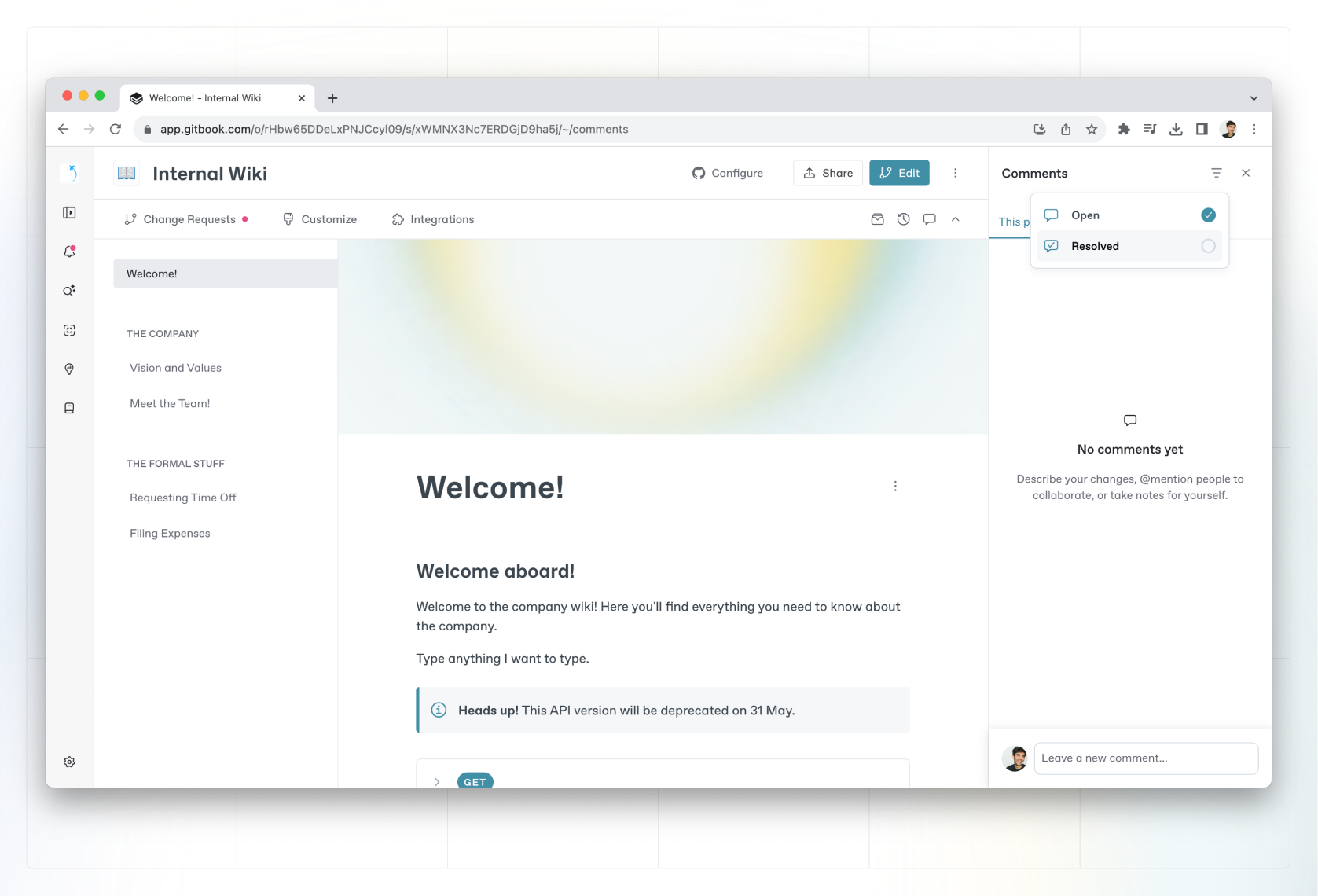
If you’re done working through a comment thread or idea, you can **resolve** a comment at any time. Resolving a comment will hide it in the interface, but still keep it accessible in the ’Resolved’ tab of the space’s comments section.
Resolve comments in GitBook.
## Commenting and change requests
In addition to commenting on a page or content block, you can also leave comments inside of a change request. See [change requests](https://gitbook.com/docs/~/changes/pfQHJq75QY5xMYvctdXP/content-editor/editor/change-requests) to learn more.