> For the complete documentation index, see [llms.txt](https://gitbook.com/docs/llms.txt). Markdown versions of documentation pages are available by appending `.md` to page URLs; this page is available as [Markdown](https://gitbook.com/docs/documentation/zh/guan-li-ni-de-zhan-dian/customization.md).
# 站点自定义
使用自定义徽标、字体、颜色、链接等创建品牌化文档
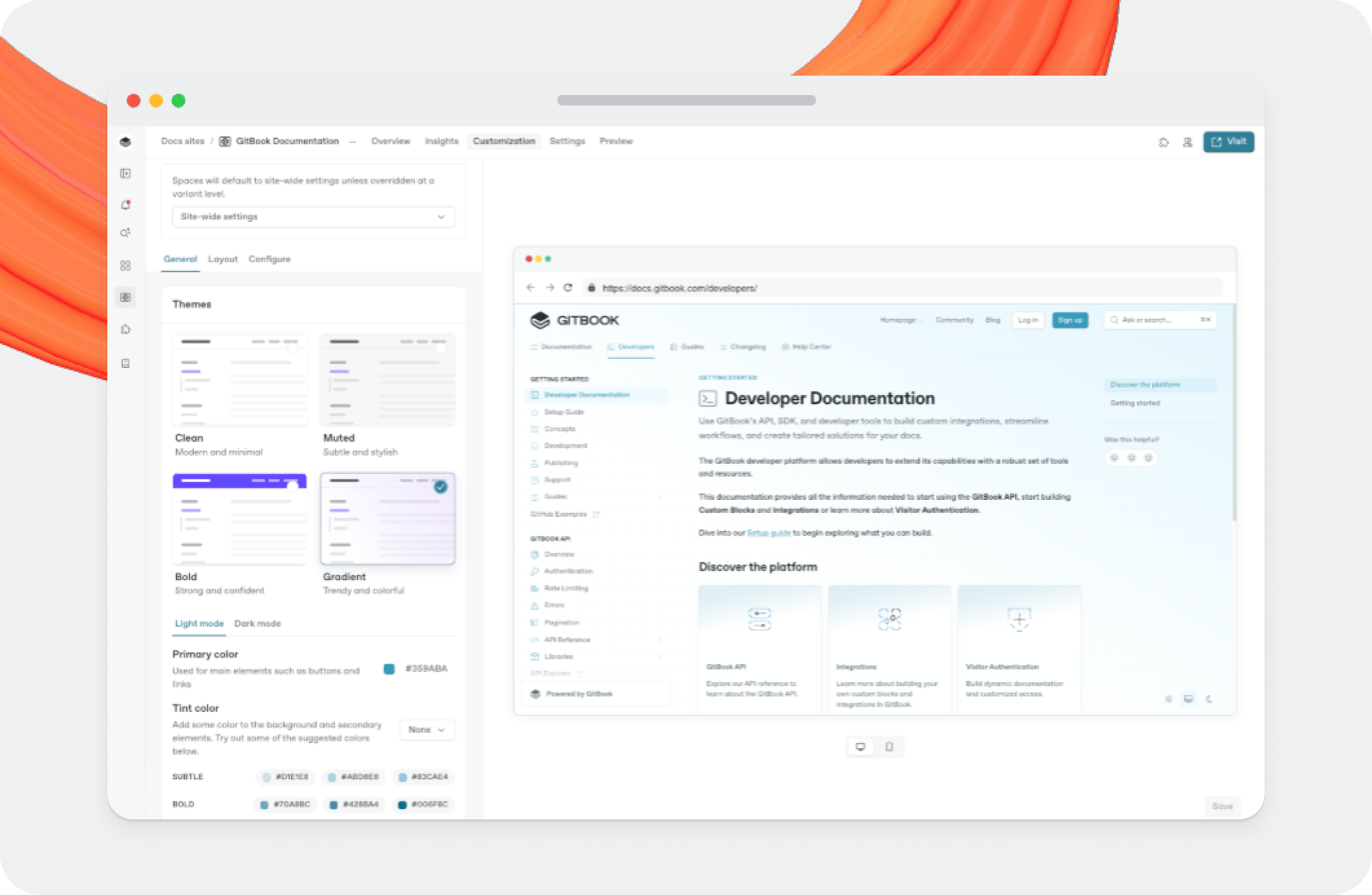
你可以自定义已发布文档的外观,让界面与你的内容语言一致,等等。
你可以将自定义应用于整个文档站点,作为全站主题,或者应用于单个变体和站点分区。
{% hint style="warning" %}
你对特定站点分区所做的更改会覆盖全站自定义设置,即使之后再次更改全站设置也是如此。
你可以通过点击 **“重置”** 按钮 恢复为分区选择器旁边的全站默认值。
{% endhint %}
### 什么属于“高级自定义”?
每位 GitBook 用户都可以在其文档站点上使用基础自定义选项。Premium 或 Ultimate 站点方案用户还可以使用高级自定义功能,进一步调整文档以匹配其品牌。
高级自定义选项包括:
* **自定义徽标** – 添加一个徽标,替换文档站点顶部的表情符号和标题。
* **图标样式** - 更改文档站点中页面图标的粗细和样式。
* **自定义字体** – 更改文档站点的主字体和等宽字体。
* **页脚** – 在文档底部的页脚中添加自定义徽标、版权文本和导航。
* **粗体和渐变主题** – 使用这些新主题更改页眉的背景颜色,或为整个站点添加渐变背景。
* **语义颜色** – 更改已发布内容中提示块的背景颜色以及代码块样式。
* **代码主题** – 使用预设主题或会采用你站点颜色的自适应主题,更改已发布文档中代码块和 API 块的外观。
### 哪些内容无法自定义?
上面的选项为你提供了许多自定义站点的方式,但有几项内容你将无法自定义,无论 [你选择的方案](/docs/documentation/zh/zhang-hu-yu-ji-fei/plans.md).
1. 无法自定义页面上元素的布局(不过,它 *为* 可以 [在特定页面上隐藏某些元素](/docs/documentation/zh/chuang-jian-nei-rong/content-structure/page.md)).
2. 无法将自定义代码(如 CSS、HTML 或 JS)直接插入到你的 GitBook 站点中。我们已经与许多流行工具集成,并提供 [丰富嵌入](/docs/documentation/zh/chuang-jian-nei-rong/blocks/embed-a-url.md) 以支持更多内容。
3. 无法移除已发布文档中显示的“Powered by GitBook”小链接。
---
# Agent Instructions
This documentation is published with GitBook. GitBook is the documentation platform designed so that both humans and AI agents can read, navigate, and reason over technical content effectively. Learn more at gitbook.com.
## Querying This Documentation
If you need additional information that is not directly available in this page, you can query the documentation dynamically by asking a question.
Perform an HTTP GET request on the current page URL with the `ask` query parameter, and the optional `goal` query parameter:
```
GET https://gitbook.com/docs/documentation/zh/guan-li-ni-de-zhan-dian/customization.md?ask=&goal=
```
`ask` is the immediate question: it should be specific, self-contained, and written in natural language.
`goal` is optional and describes the broader end goal you are ultimately trying to accomplish on behalf of the user. GitBook uses it to tailor the answer towards what is most useful for that goal.
The response will contain a direct answer to the question and relevant excerpts and sources from the documentation.
Use this mechanism when the answer is not explicitly present in the current page, you need clarification or additional context, or you want to retrieve related documentation sections.