> For the complete documentation index, see [llms.txt](https://gitbook.com/docs/llms.txt). Markdown versions of documentation pages are available by appending `.md` to page URLs; this page is available as [Markdown](https://gitbook.com/docs/documentation/zh/fa-bu/site-audience/authenticated-access/setting-up-aws-cognito.md).
# 设置 AWS Cognito
为你的文档访客设置 AWS Cognito 登录界面
{% hint style="warning" %}
本指南将带你完成为文档设置受保护登录页面的过程。在阅读本指南之前,请确保你已经先完成了以下过程: [启用已认证访问](/docs/documentation/zh/fa-bu/site-audience/authenticated-access/enabling-authenticated-access.md).
{% endhint %}
要使用 AWS Cognito 为你的 GitBook 站点设置经过身份验证的访问,流程如下:
{% stepper %}
{% step %}
**创建一个新的 AWS Cognito 应用**
从你的 AWS 控制台创建一个 AWS Cognito 应用。
{% endstep %}
{% step %}
**安装并配置 AWS Cognito 集成**
安装 AWS Cognito 集成并添加所需配置。
{% endstep %}
{% step %}
**为自适应内容配置 AWS Cognito(可选)**
配置 AWS Cognito 以便与 GitBook 中的自适应内容配合使用。
{% endstep %}
{% endstepper %}
### 创建一个新的 AWS Cognito 应用
前往 Cognito 中你想要的 User Pool,点击 App integration。记下 Cognito 域名,配置集成时会用到。
滚动到底部并点击“Create app client”。对于应用类型,选择“Confidential client.”。向下滚动到 Hosted UI settings。在 allowed Callback URLs 中,输入你在某个章节上安装集成后从 GitBook 获得的 Callback URL。
继续向下滚动到“OAuth 2.0 grant types”——确保已选中“Authorization code grant”。
对于“OpenID connect scopes”,确保已选择 OpenID。
向下滚动并点击“Create app client”。
点击已创建的 app client,并记下 Client ID 和 Client Secret。
### 安装并配置 AWS Cognito 集成
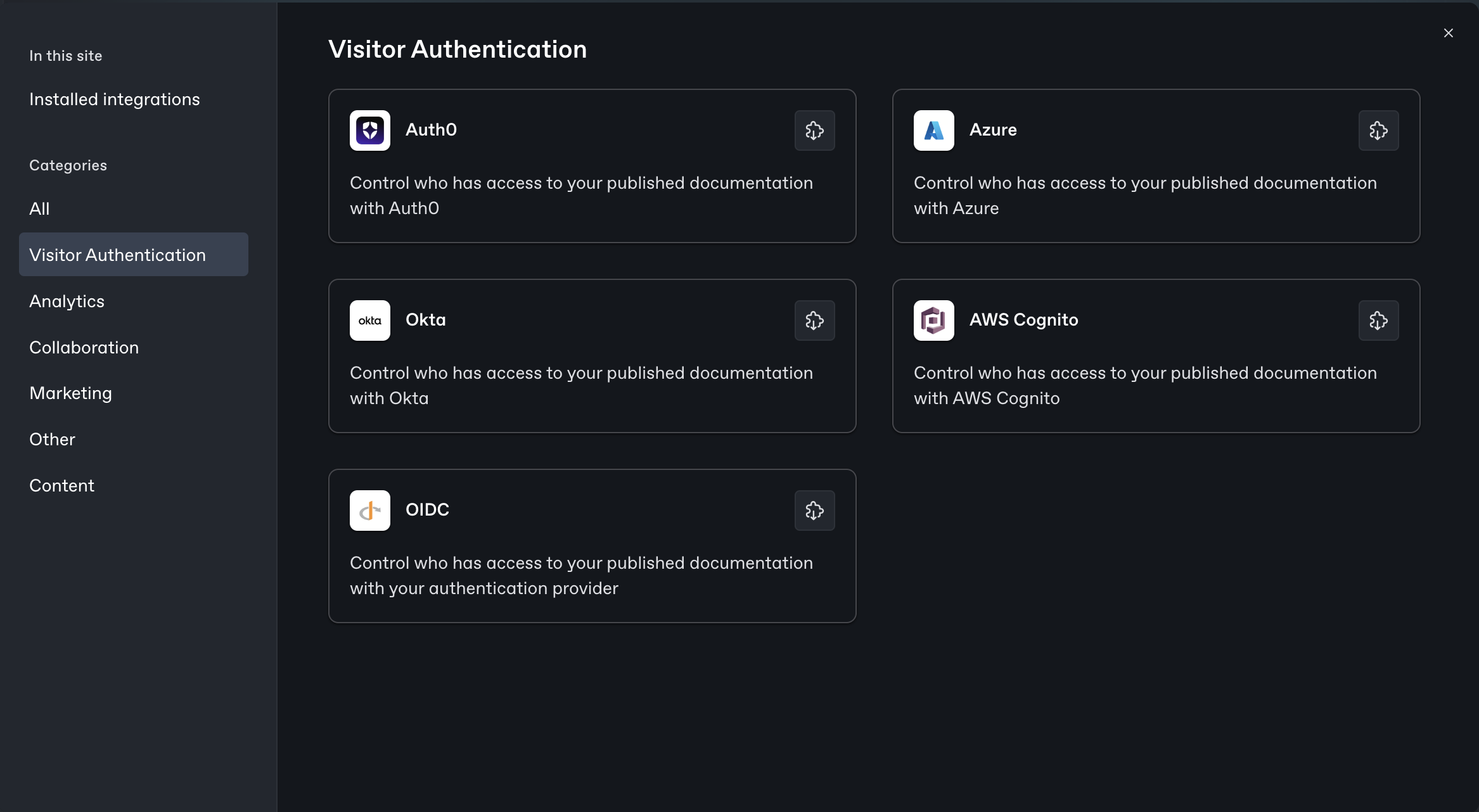
前往 GitBook 应用中的 integrations,选择 authenticated access 作为类别,然后安装 AWS Cognito 集成。
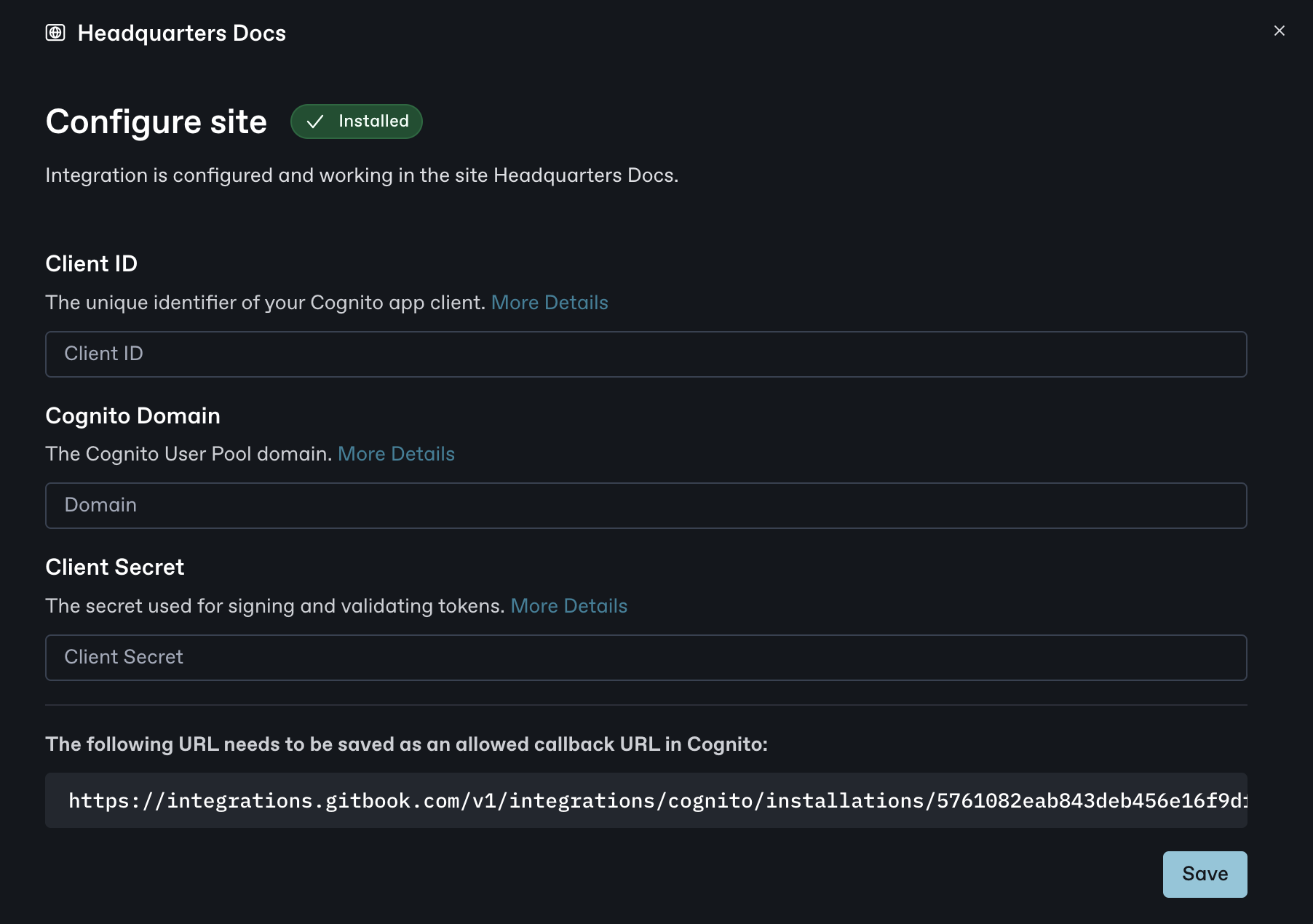
在你的网站上安装完成后,前往配置页面,并记下 Save 按钮正上方的 Callback URL。配置 Cognito 时会用到它。
打开你安装该集成的章节对应的 Cognito 集成配置界面。
它应该如下图所示:
对于 Client ID、Cognito Domain 和 Client Secret,粘贴你从 Cognito 获取的值。
点击 Save。
现在,在 GitBook 中关闭集成弹窗,然后点击 Manage site 按钮。导航到 **受众**,选择 **经过身份验证的访问**,然后选择 Cognito 作为后端。接着,点击 **更新受众**。转到站点页面并点击 **发布**。\
\
现在该站点已发布在由你的 Auth0 应用控制的身份验证访问之后。要进行测试,请点击 Visit。系统会要求你使用 Cognito 登录,这确认了你的网站已通过 Auth0 以身份验证访问的方式发布。
### 为自适应内容配置 AWS Cognito(可选)
要在 GitBook 中利用带有身份验证访问的自适应内容,你需要配置 Amazon Cognito 用户池,使其在 ID token 中包含自定义声明。
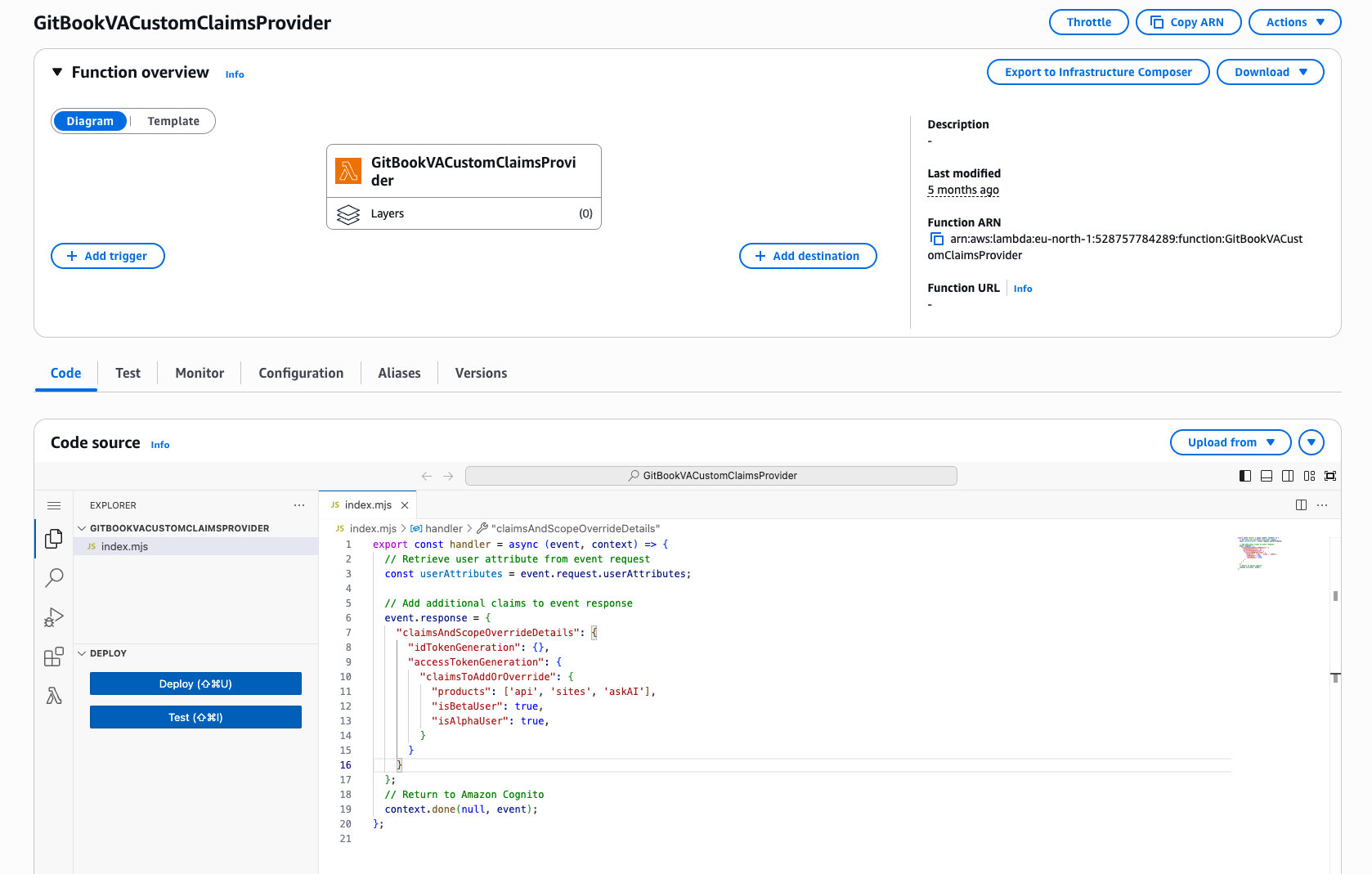
这通常通过创建一个 [Cognito Lambda trigger](https://docs.aws.amazon.com/cognito/latest/developerguide/user-pool-lambda-pre-token-generation.html)——具体来说是一个 *Pre Token Generation* Lambda——它返回一个 JSON 负载,用于覆盖或追加自定义声明。这些声明可能包括用户角色、订阅等级,或与你内容相关的任何其他元数据。
下面是一个可能的示例:
```javascript
export const handler = async (event, context) => {
// 从事件请求中获取用户属性
const userAttributes = event.request.userAttributes;
// 向事件响应添加额外声明
event.response = {
"claimsAndScopeOverrideDetails": {
"idTokenGeneration": {},
"accessTokenGeneration": {
"claimsToAddOrOverride": {
"products": ['api', 'sites', 'askAI'],
"isBetaUser": true,
"isAlphaUser": true,
}
}
}
};
// 返回给 Amazon Cognito
context.done(null, event);
};
```
添加后,这些键值对会包含在身份验证令牌中并传递给 GitBook,使你的网站能够根据已认证用户的资料动态调整其内容。
---
# Agent Instructions
This documentation is published with GitBook. GitBook is the documentation platform designed so that both humans and AI agents can read, navigate, and reason over technical content effectively. Learn more at gitbook.com.
## Querying This Documentation
If you need additional information that is not directly available in this page, you can query the documentation dynamically by asking a question.
Perform an HTTP GET request on the current page URL with the `ask` query parameter, and the optional `goal` query parameter:
```
GET https://gitbook.com/docs/documentation/zh/fa-bu/site-audience/authenticated-access/setting-up-aws-cognito.md?ask=&goal=
```
`ask` is the immediate question: it should be specific, self-contained, and written in natural language.
`goal` is optional and describes the broader end goal you are ultimately trying to accomplish on behalf of the user. GitBook uses it to tailor the answer towards what is most useful for that goal.
The response will contain a direct answer to the question and relevant excerpts and sources from the documentation.
Use this mechanism when the answer is not explicitly present in the current page, you need clarification or additional context, or you want to retrieve related documentation sections.