> For the complete documentation index, see [llms.txt](https://gitbook.com/docs/llms.txt). Markdown versions of documentation pages are available by appending `.md` to page URLs; this page is available as [Markdown](https://gitbook.com/docs/documentation/ja-gitbook-documentation/saitowosuru/install-an-integration.md).
# 統合のインストールと管理
1つのセクションに統合をインストールするか、組織内のすべてのセクションにインストールします
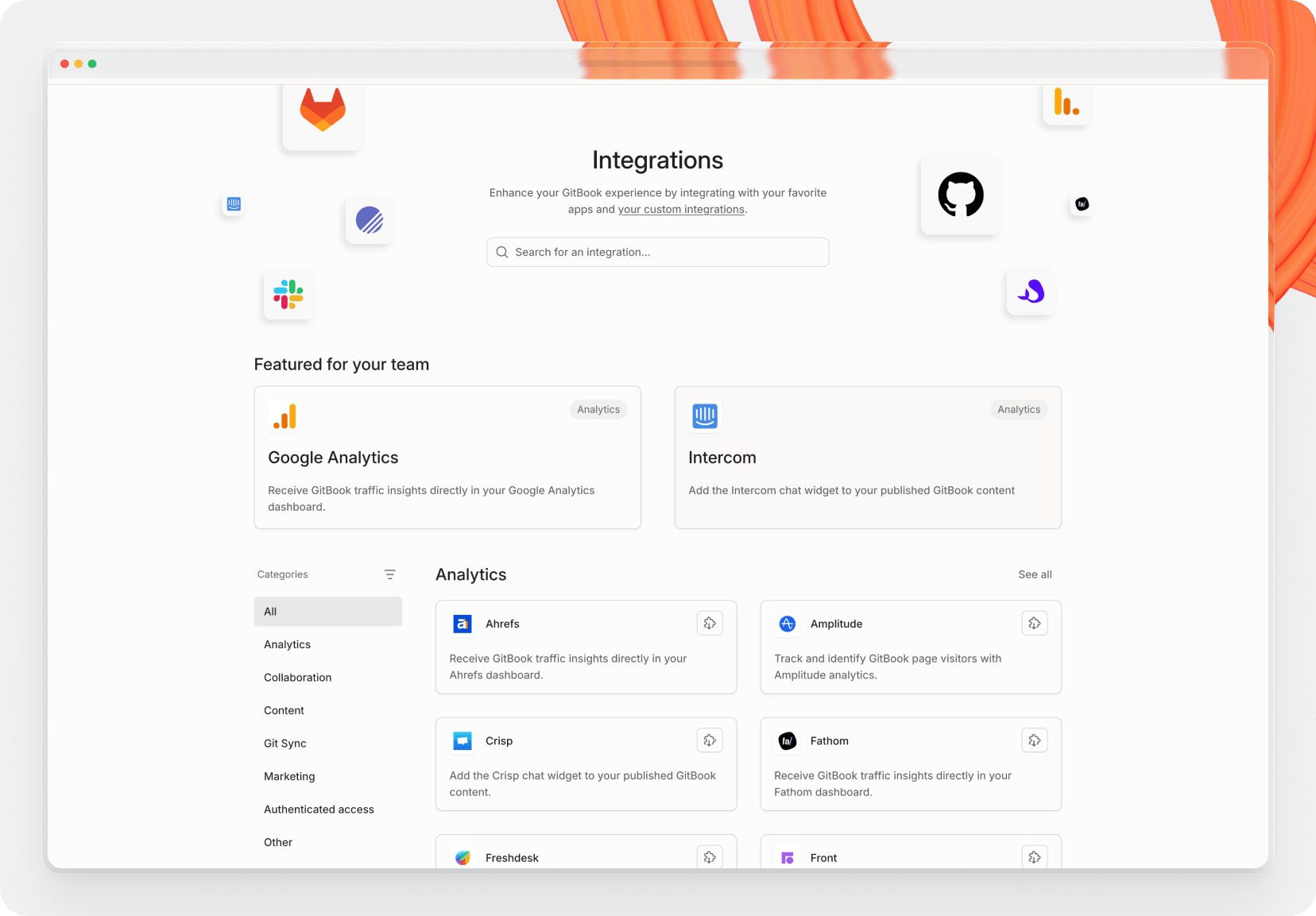
あります [多くのさまざまな連携機能](https://www.gitbook.com/integrations#custom-experiences) GitBook で利用できます。インタラクティブなコンテンツブロックから高度な分析ツールまで、お気に入りのツールを GitBook と連携するのはクリックするだけです。
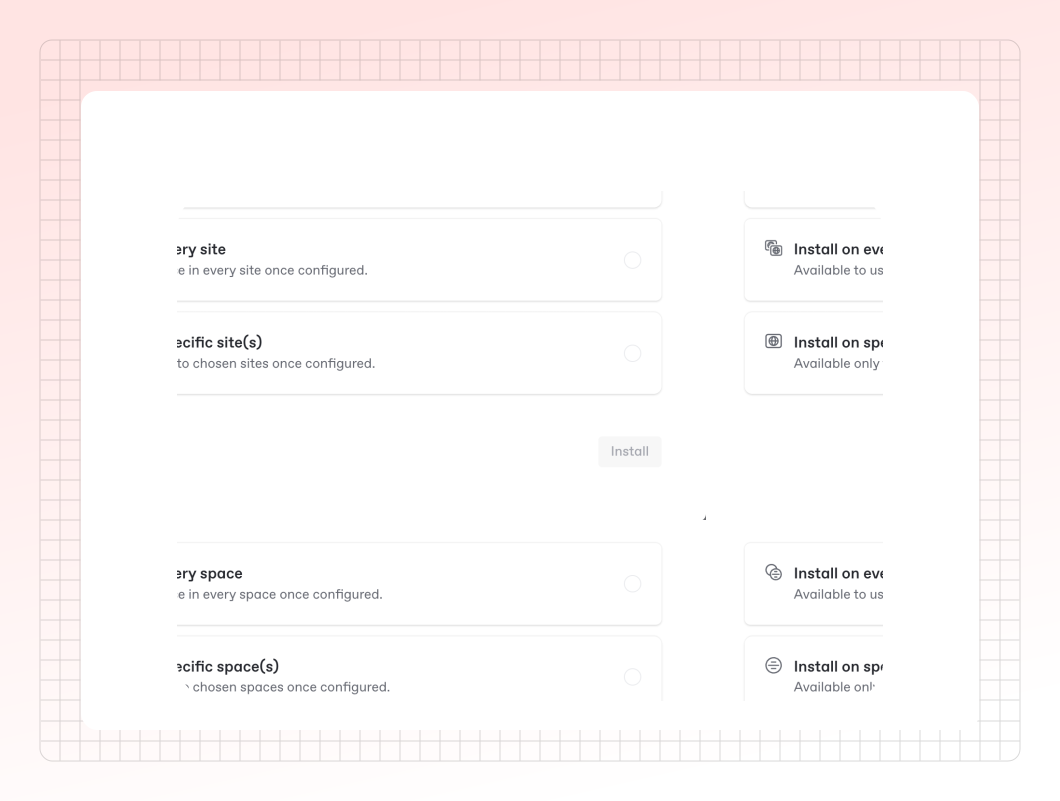
連携機能は、1つのセクション、複数のセクション、または組織内のすべてのセクションにインストールできます。
1つのセクションに連携機能をインストールした場合、その特定のセクションでのみ動作します。複数のセクションにインストールすると、それらすべてのセクションにわたって操作を実行できるようになります。
#### 3. 連携機能を設定する
{% hint style="info" %}
Google Analytics、Segment、Fathom などの分析系連携機能は、サイト全体に対して設定されます。サイトに複数のセクションが含まれている場合、セクションごとに個別の分析データを収集することはできません。1つの設定がサイト全体に適用されます。
{% endhint %}
これで連携機能を使用できます。連携機能によっては追加の設定が必要な場合があります。その場合は、セクションまたはサイトで連携機能を設定するよう求めるメッセージが表示されます。
チーム向けの設定方法については、連携機能の手順をご覧ください。
### よくある質問
連携機能はどのように設定しますか?
各連携機能には独自の設定オプションがあります。各連携機能固有の設定手順は、インストールページで確認できます。
連携機能をリクエストできますか?
はい — [連携機能リクエストを送信する](https://survey.refiner.io/e61q1m-dp057m)、または [GitBook コミュニティ](https://github.com/GitbookIO/community) へ行って、GitBook で見たいものについて話し合ってください。
自分で連携機能を作成できますか?
連携プラットフォームは、GitBook アカウントをお持ちの方ならどなたでも利用できます。 [連携機能ページをご覧ください](https://www.gitbook.com/integrations) または [開発者向けドキュメント](https://developer.gitbook.com/) から始めてください。
GitBook は Google Tag Manager をサポートしていますか?
いいえ。Google Tag Manager では CSS と JavaScript を挿入できるため、サイトが壊れる可能性があり、セキュリティ上の懸念もあるので、GitBook はそれと連携していません。
---
# Agent Instructions
This documentation is published with GitBook. GitBook is the documentation platform designed so that both humans and AI agents can read, navigate, and reason over technical content effectively. Learn more at gitbook.com.
## Querying This Documentation
If you need additional information that is not directly available in this page, you can query the documentation dynamically by asking a question.
Perform an HTTP GET request on the current page URL with the `ask` query parameter, and the optional `goal` query parameter:
```
GET https://gitbook.com/docs/documentation/ja-gitbook-documentation/saitowosuru/install-an-integration.md?ask=&goal=
```
`ask` is the immediate question: it should be specific, self-contained, and written in natural language.
`goal` is optional and describes the broader end goal you are ultimately trying to accomplish on behalf of the user. GitBook uses it to tailor the answer towards what is most useful for that goal.
The response will contain a direct answer to the question and relevant excerpts and sources from the documentation.
Use this mechanism when the answer is not explicitly present in the current page, you need clarification or additional context, or you want to retrieve related documentation sections.